Roller Shades for Home Office Glare
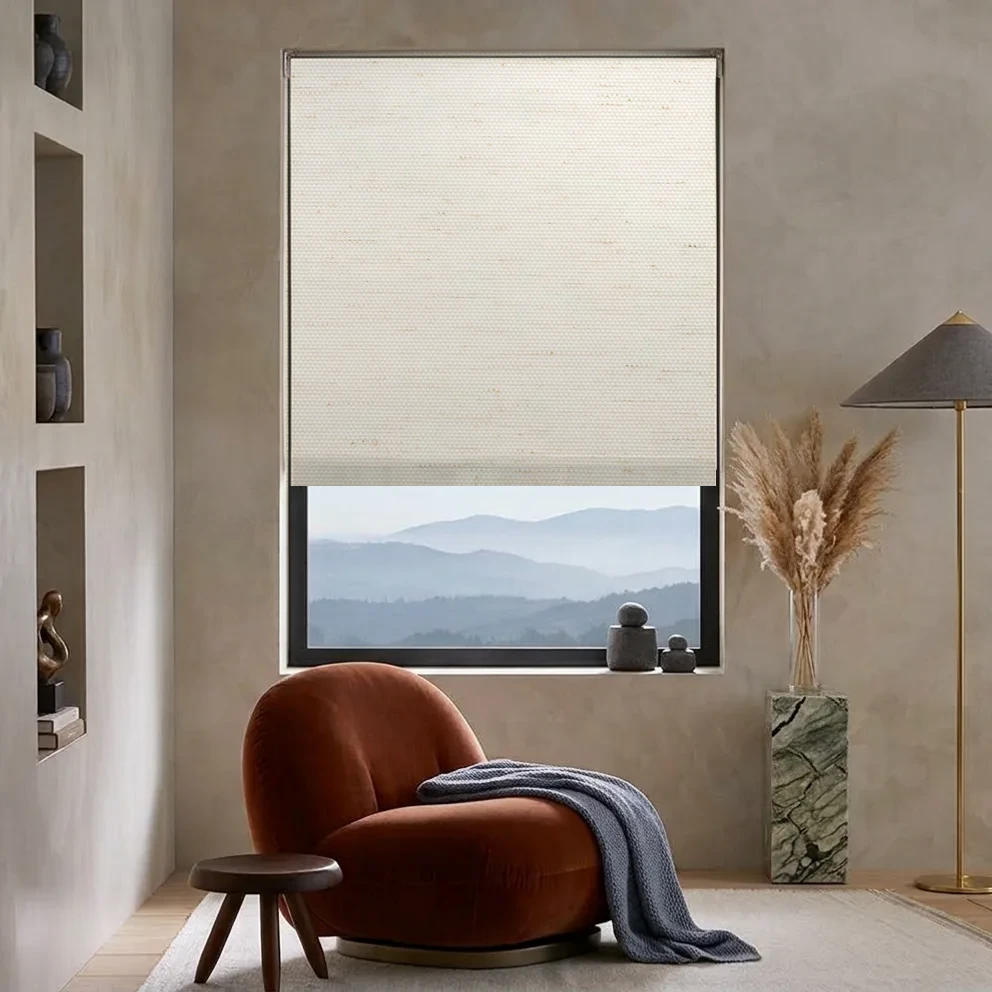
The best home-office roller shade depends on where the sunlight lands, when you work, and whether keeping an outside view matters. Solar fabric can help manage glare while retaining some daytime view; light-filtering fabric diffuses daylight; room-darkening fabric is worth considering when stronger light control takes priority.
No fabric category guarantees a glare-free screen in every room. Test your shortlist at the desk and at the hours when direct sun is most troublesome.
Identify the glare before choosing a fabric
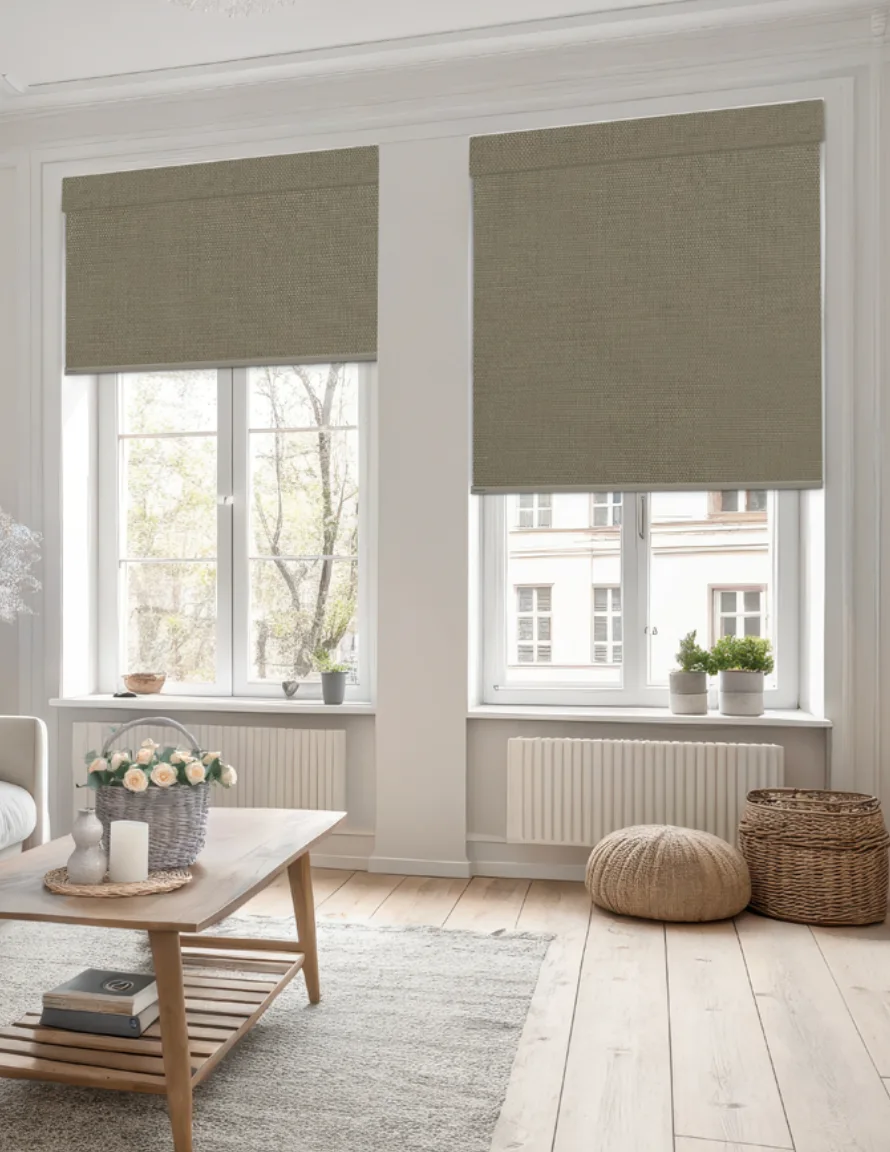
Start with the monitor, not the swatch. Is a bright window reflected in the screen, is sunlight falling directly across the desk, or is the window itself uncomfortably bright beside your work area?
Where practical, position the monitor so the window is to the side rather than directly in front of or behind it. Then assess the remaining glare. A shade and a small change in screen position may work better than choosing the darkest fabric without considering the room.
Solar shades: glare control with a daytime view
Solar roller shades are a useful starting point when you want to manage daylight without giving up the view entirely. Lower openness generally means a tighter weave and reduced visibility through it, but the best choice depends on the exposure and selected fabric.
Compare the 1% and 3% groups in Breeze Screen. Do not interpret openness as a guaranteed percentage of glare, heat, or UV reduction. Those claims need tested data for the specific fabric.
If your monitor still reflects the brightest part of the window, try a different fabric sample, adjust the shade position, or reconsider screen placement. Read the openness-factor guide before choosing solely by percentage.
Light-filtering shades: softer daylight without prioritizing the view
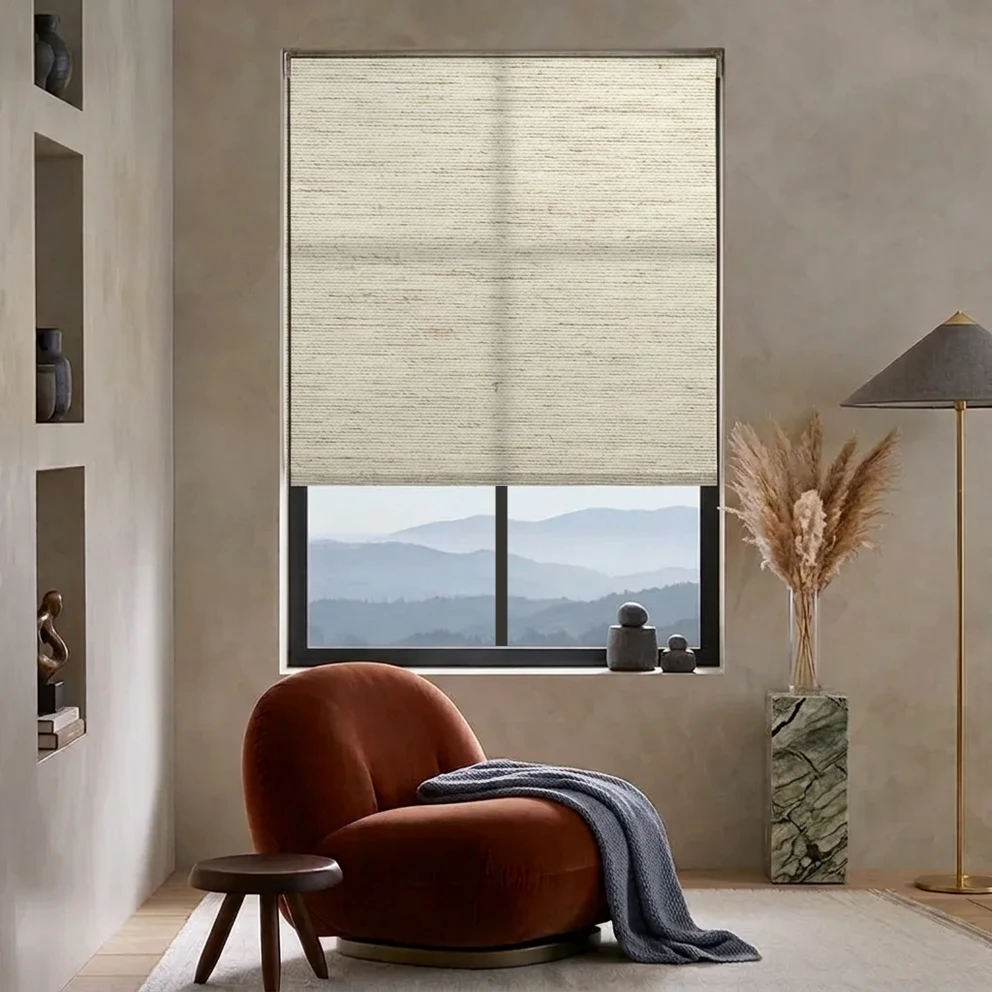
Light-filtering roller shades are useful when you prefer diffused daylight to looking through an open solar weave. Fabric texture and color also become part of the room's appearance.
Compare the light-filtering versions in Breeze, Amelia, or Callie. The collection name alone does not establish light control: select the clearly labeled light-filtering group.
Light filtering does not guarantee complete nighttime privacy. For an office facing the street, consider your evening routine as well as daytime screen comfort.
Room darkening: when stronger light control matters
An office used for presentations, image review, or daytime rest may need less incoming light. Room-darkening fabrics reduce transmission through the material, but edges can still admit light. They do not replace a controlled professional color-review environment or guarantee blackout.
Explore Fiji room-darkening fabrics, or plan a room-darkening shade. If the office is also a guest bedroom, use the bedroom guide to consider sleep and edge coverage.
East- and west-facing office windows
East-facing windows can create low-angle morning glare; west-facing windows can be difficult in the afternoon. Nearby buildings, trees, season, and the window's actual orientation all change the result.
Check samples during your problem hours rather than only at midday. For multiple exposures, you may prefer coordinated colors with different light-control fabrics on different windows. Our sun-facing window guide discusses exposure and wide-glass planning.
Video calls and an office that doubles as a living room
A bright window behind you can make your face appear dark on video calls. If possible, change the camera angle or face a softer source of daylight, then use the shade to control the remaining brightness.
In a living-room office, the daytime view may matter as much as the desk. Make an evening privacy plan before selecting sheer or solar fabric. See roller shade privacy at night for the differences between obscuring detail and blocking views.
Choose operation and fit around your routine
Cordless operation can work well for reachable windows. Motorized options may be useful for windows behind desks or for frequent adjustments, but controls and capabilities differ by system. Compare only the options actually available for your dimensions and fabric; do not assume every motor includes voice control, scheduling, or the same charging method.
Measure each opening with the roller shade measuring guide. For wide windows, check the selected fabric and hardware limits before deciding between one shade and several.
AutoWand or smart motorization for a working desk?
AutoWand uses a rechargeable lithium-ion system, offers multiple wand lengths, and does not require a remote to program or keep track of. Check that you can reach the wand comfortably around your desk. Choose smart motorization instead if you need compatible app controls or scheduled adjustments.
Choose the fabric for your screen and window first, then build the control package around your routine. A Soluna smart motor, remote, ShadeAuto hub, and charging accessories are separate items, so confirm which components your setup needs. Compare motorized roller shade options and the choices offered in the roller shade shop.
Your home-office sample checklist
1. Note the window direction and the time glare is worst. 2. Compare solar and light-filtering samples from your normal seated position. 3. Test both the monitor and your video-call camera with the shade sample at the window. 4. Check evening privacy separately if you work after dark. 5. Confirm mount, dimensions, and reachable controls before ordering.
Order fabric samples, compare the fabric collections, or customize a roller shade.
Common questions
What roller shades reduce computer glare without blocking the view?
Solar roller shades are a useful starting point because an open weave can retain some daytime outward view. The result depends on the selected fabric, openness, exposure, and screen placement. Compare samples during your usual work hours.
Should I choose solar or light-filtering shades for my home office?
Start with solar if retaining a daytime view is important. Start with light filtering if you prefer diffused daylight and do not need a clear view through the lowered fabric. Check monitor glare and nighttime privacy for either choice.
Do home-office roller shades need to be motorized?
No. Cordless operation can suit accessible windows. Motorization may help with hard-to-reach windows or frequent adjustments, but the available controls and compatibility depend on the chosen system.
Compare light-filtering collection costs for your office
Callie, Amelia, Francis and Breeze offer light-filtering choices to compare for softer daylight. This chart does not price solar fabrics or measure screen-glare reduction.
- Callie
- Callie
- Amelia / Francis
- Amelia / Francis
- Breeze
- Breeze
Spend on the changes that help your desk
These same-size cordless premiums buy a different collection, not a measured reduction in screen glare. Test samples beside your monitor at the troublesome time of day. If frequent adjustment or reach is a problem, price the operation upgrade separately. Solar fabrics may suit a daytime view, but are not priced here.
For controls, finishes and delivered totals, use the roller shade cost guide. Order samples before pricing your final selection.
See the three-size comparison
| Size (in.) | Callie | Amelia / Francis | Breeze |
|---|---|---|---|
| 36 × 60 | +0% | +11.0% | +29.8% |
| 48 × 72 | +0% | +11.4% | +34.1% |
| 72 × 72 | +0% | +11.9% | +33.6% |
| Sample average | +0% | +11.4% | +32.5% |
How to read this: Equally weighted 36 × 60, 48 × 72 and 72 × 72 inch cordless base shades. For each size, we calculate the percentage above Callie, then average those three percentages. RD means room darkening. Collections shown together share the same base pricing in these sizes. Excludes upgrades, tax, shipping and promotions. These are sample-based averages, not market averages, a light-control rating or a live quote. No solar fabrics are included.
Find a fabric for your workday
Start with the choice that matters at your desk: an outward view or a more diffuse window.